
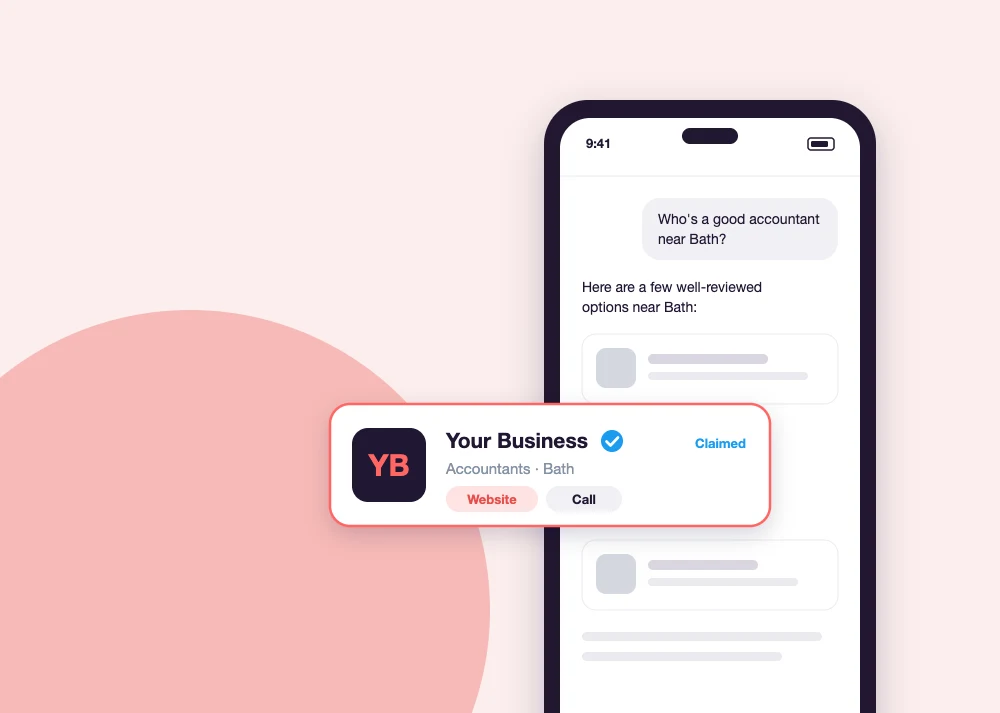
More of your customers are asking ChatGPT for recommendations before they ever open Google. “Who’s a good accountant near Bath?” “Which packaging supplier delivers next day?” ChatGPT answers with whatever it can find about you – and until now, you had no say in what that was.
That changed on 10 November 2026, when OpenAI launched Businesses in ChatGPT in beta. Every business ChatGPT knows about can now have a profile, and the owner can claim it through a new dashboard called Business Hub.
We’ve started claiming profiles for our clients, so here’s a plain-English guide to what it is, how to do it, and – importantly – what UK businesses can and can’t do yet.
What claiming your business gets you
Once your claim is approved and you’ve verified your identity, you can:
- Correct your business details – so ChatGPT describes you accurately, rather than piecing it together from old directory listings
- See how people find you – insights such as how often you’re mentioned and how many clicks reach your website
- Get a blue verified check on your profile in ChatGPT
There’s also a “business agent” feature that answers customer questions about your products and policies, but that’s currently limited to eligible ecommerce and online service businesses in the US.
Can UK businesses claim their profile yet?
Partly. This is the bit most guides skip, because most of them are written for American businesses.
- Local shops, restaurants and other local businesses can currently only claim an existing US listing. If you run a local business in the UK, you may not be able to claim yet.
- Online and service businesses have more options, and may be able to claim or add a profile depending on their type.
- Business agents are US-only for now.
It’s a beta, so expect this to widen. It’s worth checking now whether your business is eligible, and claiming it before someone else tries to.
How to claim your business on ChatGPT, step by step
1. Find your business in Business Hub
Sign in to ChatGPT, open Business Hub and search for your business. If you run an eligible online business and can’t find it, you may see an option to add it.
2. Prove you’re connected to the business
You’ll be offered one or more verification methods, depending on your business:
- Business phone – a code to your business number
- Business email – a code sent to an email address at your business
- Website domain – you add a TXT record to your domain’s DNS settings
- Shopify – sign in to your Shopify store
The domain option is the one most people get stuck on. You’ll be given a record name and a long value to add at your domain provider. Two tips:
- Most DNS control panels add your domain name automatically, so you usually only enter the first part of the record name.
- The verification record has an expiry, so add it and verify promptly. If it lapses, start a new attempt.
DNS changes can take a while to show up, so if verification doesn’t work first time, give it a little longer and try again.
3. Wait for approval
OpenAI reviews your claim and emails you its decision, or asks for more information.
4. Verify your identity
Before you can publish changes, view insights or set up a business agent, you need to complete an identity check with Persona, OpenAI’s verification partner. This is a personal ID check for whoever manages the profile, so decide up front who that should be – ideally the business owner or a director, not a former employee’s personal account.
5. Check and update your details
Once you’re through, review everything ChatGPT says about you: your description, services, location, contact details and website. Make sure it matches your website and your Google Business Profile – consistency across the web is what AI tools trust.
Claiming is step one, not the finish line
A claimed profile makes sure ChatGPT has your details right. It doesn’t make ChatGPT recommend you. When someone asks “who’s the best web designer in Wiltshire?” or “which supplier should I use?”, ChatGPT still decides who to name based on what it finds across the web – your own website, reviews, directories and the sites it trusts.
That’s the bigger job, and it’s what we cover in our guide to optimising your website for AI search.
If you’d like to know where you stand right now, our AI Visibility Check shows whether ChatGPT and Google’s AI answers recommend your business, which competitors they name instead, and what to fix first. And if you’d rather not wrestle with DNS records and ID checks, we can claim and set up your ChatGPT profile for you.
Frequently asked questions
Do I need an ads account or Enterprise plan to claim my business?
No. OpenAI says you don’t need a ChatGPT Ads account or an Enterprise agreement to claim an eligible business.
Can UK businesses claim their ChatGPT profile?
Some can. Local businesses such as shops and restaurants can currently only claim existing US listings, so many UK local businesses will have to wait. Online and service businesses may be able to claim or add a profile now, depending on their type.
What verification methods does ChatGPT use?
Depending on your business, you can verify with your business phone number, a business email address, a TXT record on your website domain, or your Shopify store. After approval, the person managing the profile also completes an identity check with Persona.
Will claiming my profile make ChatGPT recommend my business?
Not on its own. Claiming lets you correct your details and see how often you’re mentioned. Whether ChatGPT recommends you depends on what it finds about your business across the web, which is what AI visibility work improves.